




Executive Dashboards That Dissolve Doubt: Visualizing Bench Hours, Cost Leakage, and Resource Productivity
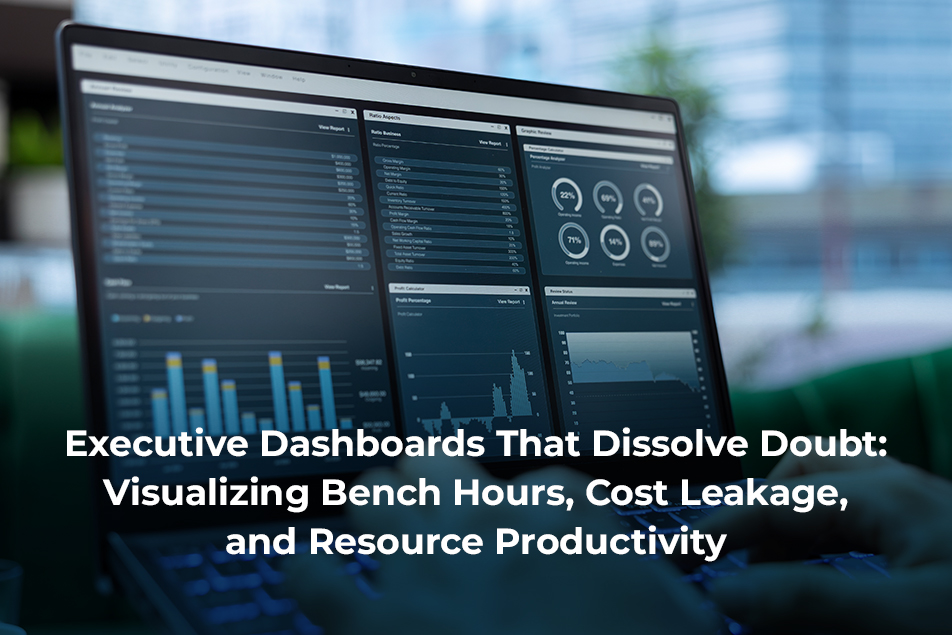
Data has become ubiquitous in the business world, and one would believe that most companies are leveraging its power to make better, insightful decisions. However, many business leaders still find data to be a bit challenging and are not comfortable with data skills.
Luckily, dashboards have made it easier to study trends, discover new opportunities, and use employee data to manage their resources better and improve productivity.
In this article, we will talk about the importance of executive dashboards, their benefits, and how to choose the right type for your business.
Understanding Executive Dashboards
As indicated, an executive dashboard is a visual portrayal of critical business performance metrics, such as workforce intelligence, resource productivity metrics, change management, etc. This tool gathers information from disparate data sources from within the organization and presents them in easy-to-understand charts and graphs. This helps key executives grasp essential information quickly and take action accordingly.
Key Features of Executive Dashboards
While executive dashboards can be customized for specific industry and organizational requirements, there are a few features that every strategic dashboard must have.
Clear Visuals: Dashboards should be easy to understand at a glance, turning large amounts of data into charts and graphs.
24x7x365 Updates: These tools should leverage real-time (or near real-time) data.
Customizable Views: The dashboard should allow views to be customized not only as per which data you wish to view, but also how you view it.
Organizational Detailing: It should be possible to explore operational details at the organization, department, team, and individual levels.
Integrations: The tool should support data syncing from multiple sources to provide relevant, up-to-date insights.
Data Blending: An effective dashboard should be configured to combine multiple data sets that can help identify patterns and extract the most actionable insights.
Data Privacy and Security: It is important to customize user permissions and adhere to robust privacy settings to ensure compliance with GDPR, CCPA, HIPAA, and other regulations.
Types of Executive Dashboards
Executive dashboards have been designed for all aspects of business – from project management to finance to sales. Let’s take a look at some of the more commonly used dashboards.
Productivity Dashboard
These can be used to understand resource productivity metrics, such as how much time people spend on different tasks, which apps they use, etc. This helps identify high-performing employees and can help them reach their full potential.
Location Insights Dashboard
This indicates which employees perform better under which work model – in-office, remote, or hybrid. This dashboard makes it easy to create workplace policies and make office real estate decisions.
Technology Usage Dashboard
Use this dashboard to identify which applications and websites are accessed the most by your teams. This way, you can ensure people are spending time on activities aligned to their roles. The dashboard can also be used to identify unused subscriptions or licenses you no longer need.
Workload Management Dashboard
The workload management dashboard helps understand who’s working at capacity and who’s ready for more tasks. A daily glance can fix unbalanced workloads and prevent burnout.
Benchmarks Dashboard
This dashboard can help you improve performance by setting benchmarks. It studies employees’ typical productivity levels and brings out their real performance capacities. Now you can raise expectations and achieve more without pushing people too fast.
Headcount Planning Dashboard
Get a clear understanding of available capacity and prevent overspending on labor across teams by redistributing work within your existing workforce.
Organization Overview Dashboard
The overview dashboard gives you a clear idea of the inner workings of your organization. It can be used to uncover workload imbalances and measure progress toward organizational goals
Team Management Dashboard
Managers need an understanding of team availability and activity – when employees are most engaged with work, bench hours, apps they use, etc. Use it to check progress toward goals and to compare current productivity to past trends.
Benefits of Executive Dashboards
More leaders and organizations today are turning to executive dashboards to manage their operations. Here are some of the benefits they offer:
More Visibility: Executive dashboards take a whole lot of data and convert it into an easy-to-understand format that shows you exactly what’s going on in your business.
Greater Accuracy: With better clarity on how your business is performing, it is easier to remove the guesswork from your actions and make insight-driven decisions.
Faster Decisions: Real-time access to the workings of all aspects of your business gives you unique insights that allow immediate action, before small issues become bigger problems.
Better Performance: Having a finger on the pulse of your business operations helps reduce distractions, eliminates bottlenecks, encourages healthy work habits, and more.
Fewer Mistakes: Executive dashboards rely on multiple data sets, thus greatly reducing the risk of misinterpreting data.
Executive Dashboard Best Practices
Don’t get aboard the executive dashboard bandwagon simply because everyone else is doing it. You need to find the exact purpose that the tool will serve.
Start with a list of challenges you face in the organization and identify the insights that will help tackle them. This will help you decide which dashboard best fits your needs.
Here are a few best practices that will help you get the most out of each report that the dashboard will generate.
Customize your Display
Identify three to five important metrics that will help you understand your operations better and customize your dashboard accordingly. This will prevent you from becoming overwhelmed with excessive data and ensure critical insights do not get buried.
Keep it Simple
Simplicity is most vital when setting up the dashboard, whether you’re using an out-of-the-box solution or customizing your own. The dashboard must provide clear, concise information, presented in a way you can understand within seconds.
Automate Updates
Checking the dashboard requires habit. Start by setting up a schedule to have reports emailed to you regularly, or have a reminder to check the dashboard once a week or once a month. This way, you will not miss important changes.
Conclusion: Identify Trends, Uncover Opportunities
An executive dashboard’s task is to eliminate doubt and present data to gain visibility into your operations and employee productivity.
At ProHance, we work with you to help you track employee performance without getting overwhelmed with data. We can customize the solution so you get a single-window glance at employee bench hours, identify cost leakage, and even understand how resource planning is impacting productivity. You could be looking at improving your daily operations or considering changes in the way you work. The right executive dashboard can offer you all the insights you need to make the change.
Learn how ProHance can help

Abhishek Tahlan
Abhishek is a marketing professional with more than 7 years of experience in the field of digital marketing. He has worked in various senior marketing roles across a wide variety of organizations and industries, including EdTech and Tech.
